Skip to content
A-10restaurants

Web design for restaurants in San Jose

A restaurant website has three jobs: show the menu, show the hours, and get someone through the door. LaunchLane builds them so all three work on a phone in under a second, which is where nearly every restaurant site fails.

A-10Customers

Somebody is deciding where to eat in the next twenty minutes

Restaurant traffic is almost entirely short-fuse and almost entirely mobile. Someone is in a car, or standing on a sidewalk with two other people, and they are checking three things in this order: are you open, what do you have, and how far is it. If any of those takes more than a few seconds to find, they pick somewhere else. There is no second visit.

The other pattern is the planned one — a birthday, a party of twelve, a catering order. That person needs a phone number, a party-size policy, and a way to ask a question. It is a much smaller share of traffic and a much larger share of revenue, so it gets its own clear path rather than being buried in a contact form.

A-10Problems

What's usually wrong with these sites

Not a general list — these are the four that come up again and again for restaurants.

01
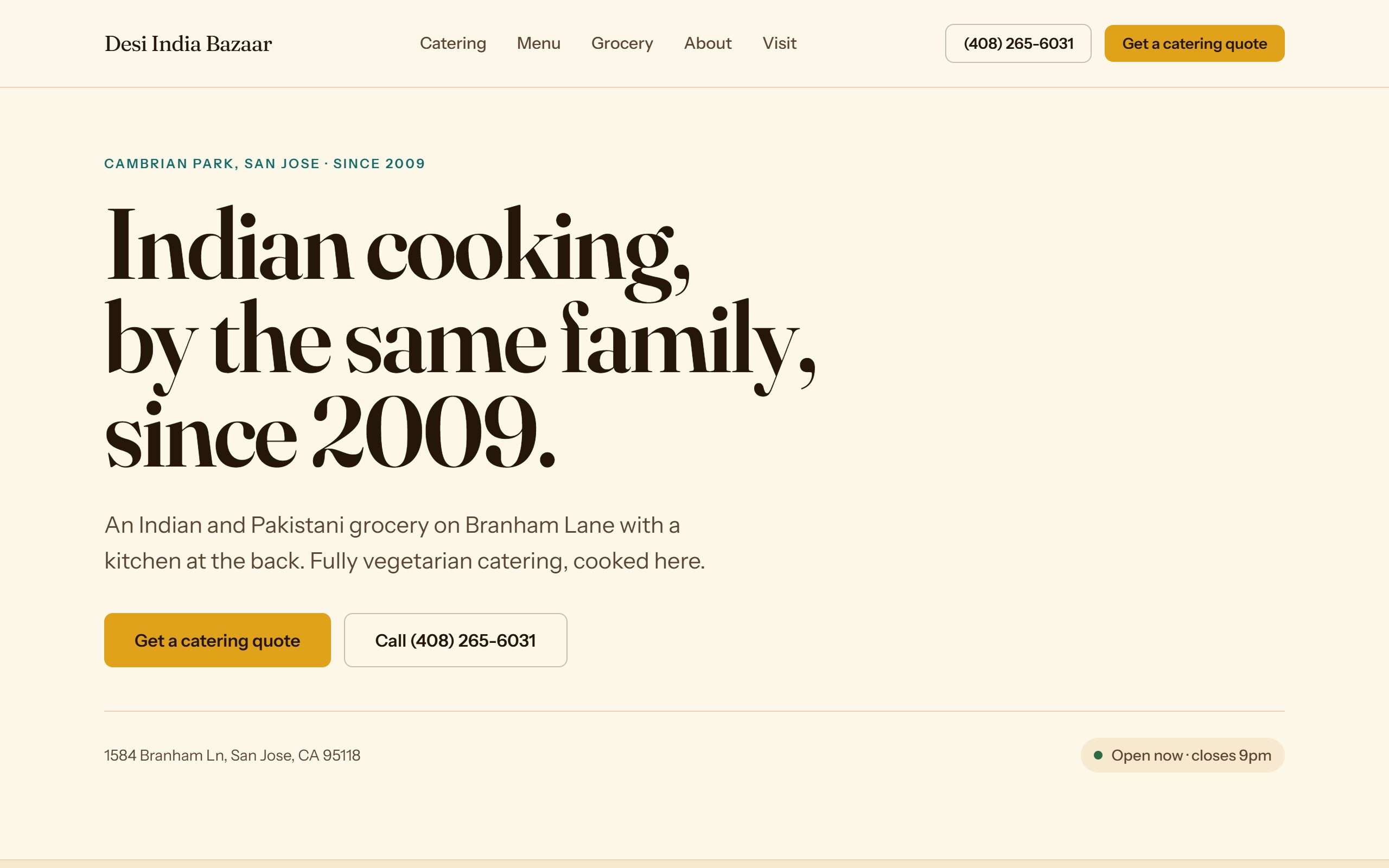
The menu is a PDF
This is the single most common and most damaging mistake. A PDF opens in a separate viewer, loads slowly on a phone, and has to be pinched and dragged to read. Google can barely index it, so your dishes never show up in search. The menu should be text on a page.
02
The hours are wrong, or only on Google
Hours change, holidays happen, and the site says something different from the Google listing. Whichever one is wrong, the customer who drives over and finds you closed is not coming back. Hours belong in one place, on the site and matched to your Google profile.
03
Photos of food that isn't yours
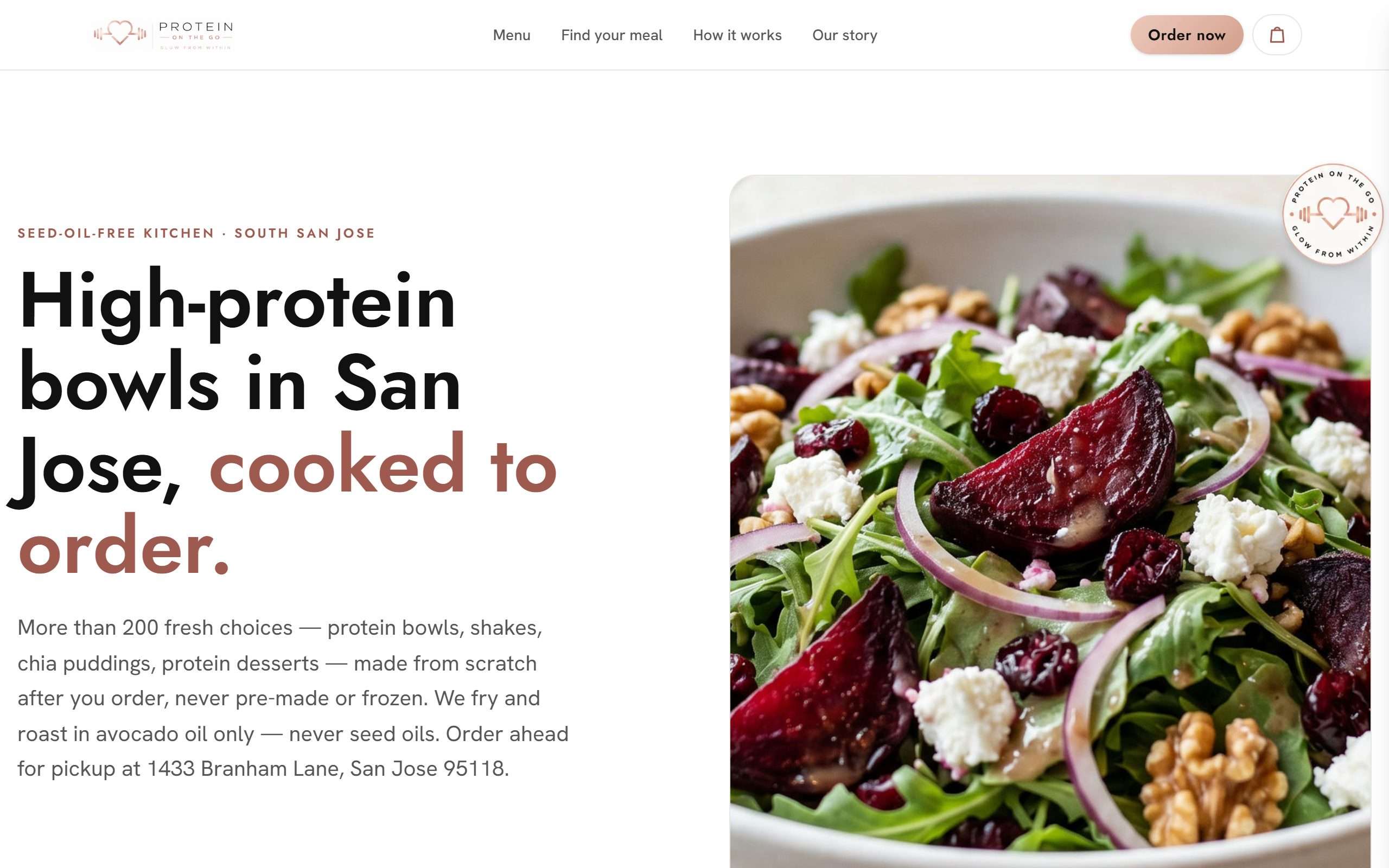
Stock food photography reads as false immediately, and it sets an expectation your kitchen didn't make. A phone photo of your actual plate, in daylight, beats a stock image every time.
04
No address you can tap
The address is typed as text instead of linked to maps, so the customer has to copy it into another app. On a phone, one tap should open directions.
A-10The build

What I build differently for restaurants

  • 01

    Menu as real text, not a document

    Every dish is text on the page, so it loads instantly, reads at any size, and can be found in search. Update it yourself in minutes, or send me the changes.

  • 02

    Hours and status, above everything

    Today's hours near the top of the page, matched to your Google Business Profile so the two never disagree.

  • 03

    Tap to call, tap for directions

    Both pinned where a thumb naturally sits on a phone. These are the two buttons that turn a visit into a customer.

  • 04

    A path for large orders and catering

    Separate from the general contact form, with the things a party of twelve actually needs to know answered up front.

  • 05

    Built in Spanish too, if that's your room

    Plenty of San Jose kitchens and dining rooms run in Spanish. If yours does, the site can.

Last updated 2026-08

See what yours would look like, free.

Tell me the business name and what you do. I'll build a real homepage for it and send it over. No call, no card, and you keep it either way.

Takes 30 seconds. No call required.

See your homepage before you spend a dollar.

Get my free preview